A Practical Guide to Better Remote Work Setup
Virtual meetings are now the main way game developers make creative decisions, run playtests, plan sprints, and handle the thousands of small choices that shape a game. Whether you’re making your first indie game or working on a AAA title, knowing how to run good virtual meetings matters.
Game development has unique challenges in remote work. You’re not just talking about spreadsheets—you’re giving feedback on art, reviewing how a game feels to play, and working with different teams (programmers, artists, designers) who all speak different languages. Research shows that virtual meetings directly affect how happy employees are, how well teams bond, and how much work gets done.
This guide covers the basics of virtual meeting etiquette, based on expert recommendations and industry best practices.
Get Ready Before The Meeting
Good meetings start before anyone joins the call. Being prepared shows respect for everyone’s time and helps meetings run smoothly. Think of preparation like setting up a game level—if you do the groundwork right, everything flows better when it’s time to play.
Share an Agenda
Every meeting needs a clear agenda sent out at least 24 hours early. This gives people time to prepare and understand what you’re trying to accomplish. An agenda doesn’t need to be fancy—just a simple outline of topics, timing, and what you hope to achieve.
For meeting hosts, write down what you want to accomplish and how long each part will take. Share links to anything people need to review beforehand, like design docs, game builds, or art references. Be clear about who makes the final decisions. If people need to do prep work, say so explicitly.
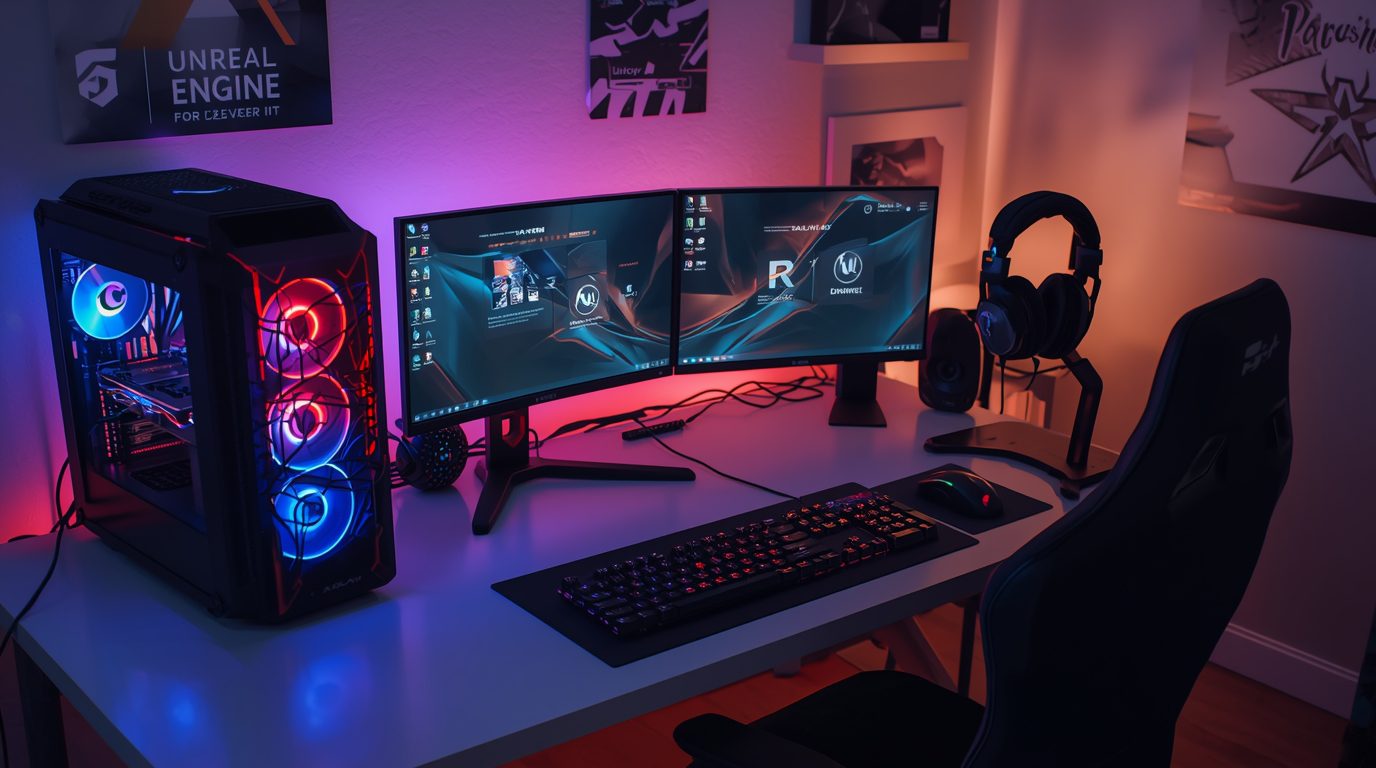
For attendees, actually read the agenda before joining. Do any assigned prep work. Get your materials ready to share. If something in the agenda doesn’t make sense or seems off, tell the host before the meeting so they can adjust. If you’ve set up a proper remote game development workspace, you’re already ahead.
Test Your Tech before Virtual Meeting
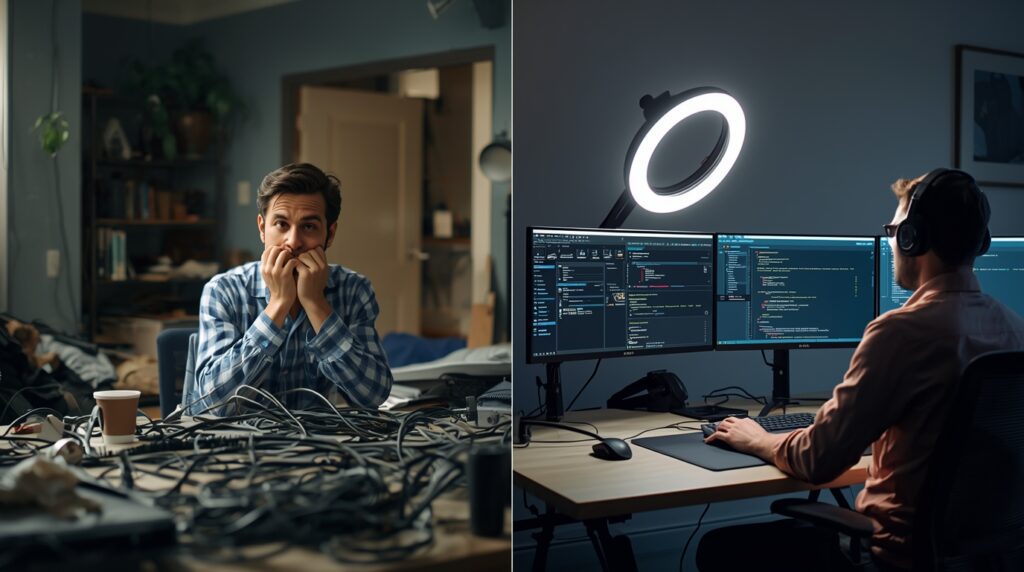
Here’s a statistic that might make you want to scream: 77% of workers have wasted time because technical issues prevented them from starting a meeting. You don’t want to be one of those stats. It takes the reader 5 minutes to test his setup, and allows everyone in the room to not stay there waiting why he looks for an error.
Check your internet connection first. A wired ethernet cable is better for stability than wifi, especially when you’re sharing gameplay or larger high-resolution art. Check that your microphone and speakers work — nobody has time for “can you hear me?” five times at the beginning of each meeting.” Keep the camera at eye level and don’t look down on people or join via mostly ceiling.
Close apps you don’t need. This is not only a performance boost, but also stops embarrassing notifications popping up during screen shares. Have a Plan B in place, in this case perhaps using your phone as a hotspot should the main connection drop.
And for the individual game developers out there, if it’s your intention to showcase your gameplay or development tools, test screen sharing capabilities in advance. Some platforms compress video so much that even subtle animations or visual effects become difficult to discern. For higher quality game streaming, you may want to use a more specialized remote desktop tool such as Parsec.
Join Early and Set Up Your Space
Log in 2-3 minutes before the meeting starts. This gives you time to fix any last-minute problems and be ready when the meeting begins. Use your real name when you log in, and say hello when you join so people know you’re there.
Your meet environment matters more than you might think. Find a quiet spot where you won’t be interrupted. Put your camera at eye level—propping your laptop on some books works fine. Make sure you have good lighting, ideally by facing a window or using a desk lamp. Keep your background clean and professional. You don’t need a perfect setup, just one that isn’t distracting.
Close other tabs and programs before the meeting starts. Turn off all notifications on your phone and computer. Tell people in your house that you’re in a meet. These small steps prevent interruptions that break everyone’s focus.
Don’t set up in busy places like coffee shops where people are constantly walking behind you. If your space looks messy, use a simple virtual background, but test it first to make sure it doesn’t create weird visual glitches when you move.
Dress Appropriately
Even at home, dress professionally. It puts you in the right mindset and shows respect for your team. You don’t need a suit, but you should wear what you’d wear to the office. Business casual works for most virtual meetings. Dress up more for meetings with publishers or investors. At minimum, wear something clean and comb your hair. Yes, you’re working from home. No, your team doesn’t need to see your pajamas.
Stay Professional During the Virtual Meeting
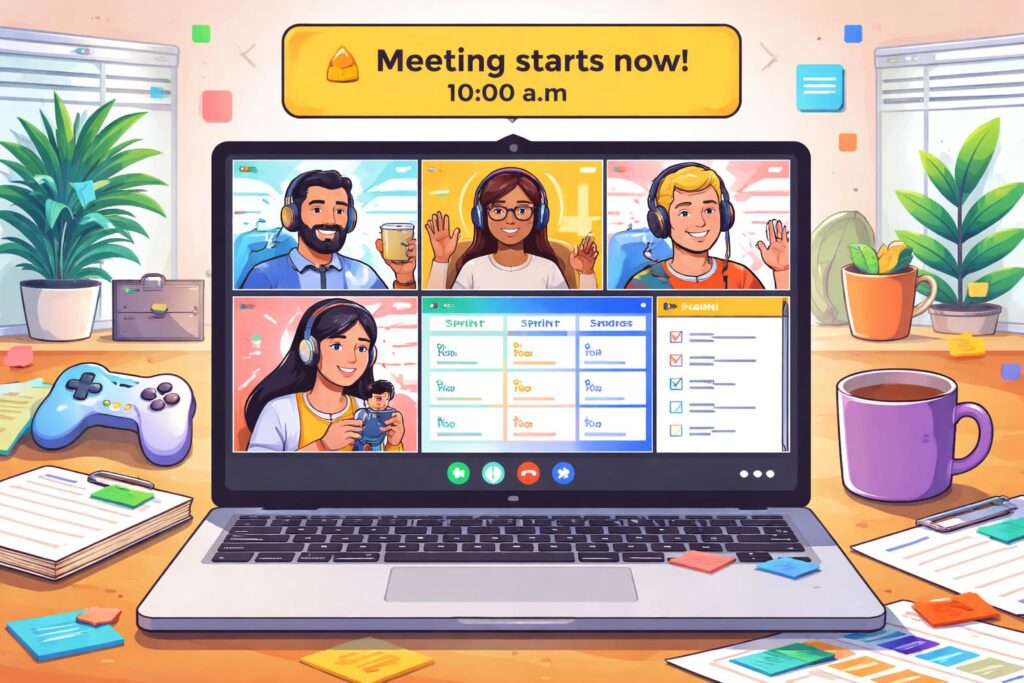
Now that you’ve joined the call, here’s how to be an exceptional virtual meeting participant:How you act during the meeting affects whether it’s productive or a waste of time. These practices ensure smooth collaboration and respect for everyone’s time.Now that you’ve joined the call, here’s how to be an exceptional virtual meeting participant:
virtual meeting Camera Etiquette
Video helps people connect and feel like a real team, but you don’t always need it on. The key is knowing when it matters and when it doesn’t.
| Camera ON | Camera OFF is Okay |
| Design reviews and creative feedback | Large all-hands meetings (20+ people) |
| One-on-one virtual meetings | Technical deep-dives with screen sharing |
| When you’re presenting | When you’re purely observing |
| Job interviews and external meets | Personal reasons (sick, technical issues) |
| Small team meetings (under 8 people) | Presentation-style meetings where you’re just listening |
If you need to keep your camera off, tell the host ahead of time and let them know you’ll still participate through chat or talking. If you need to step away during the meeting, turn off your video before getting up to minimize disruptions.
Master the Mute Button
This is one of the most basic rules: mute your mic when you’re not talking. Background noise from typing, pets, family members, or even breathing can be surprisingly loud and distracts everyone. The general rule is simple—if you’re not actively speaking, you should be muted.
The exact approach depends on meet size. In small meet with 3-5 people, you can usually stay unmuted for natural conversation flow. In medium meets with 6-15 people, mute by default and unmute when you speak. In large virtual meetings with 15 or more people, stay muted unless you’re presenting.
Learn the keyboard shortcut for your platform. On Zoom, you can hold the spacebar for push-to-talk, which makes jumping into conversation feel more natural. Be aware of background noise sources you might not notice—mechanical keyboards are surprisingly loud through microphones, pets can bark unexpectedly, and household sounds carry more than you think.
One absolute rule: never eat during a virtual meeting. It’s distracting, unprofessional, and the sound of chewing through a microphone is nobody’s idea of a good time.
Communicate Clearly during Virtual Meeting
Virtual settings make communication harder because of audio delays and limited body language. You need to adjust how you communicate to account for these limitations.
Speak clearly and at a moderate pace—slightly slower than you would in person. Make sure you’re loud enough to be heard without people having to turn their volume all the way up. In large meetings, state your name before speaking so people know who’s talking. After asking a question, pause for a moment to allow for audio delay before assuming nobody has an answer.
Use “raise hand” features in your video conferencing platform instead of just jumping in. This prevents people from talking over each other, which is especially confusing in virtual settings where many platforms automatically switch the camera to whoever’s speaking. Keep your comments concise and on-topic—virtual meetings tend to run long when people ramble.
Avoid interrupting others mid-sentence. Many platforms use voice-activated camera switching, so when you interrupt, the camera jumps around and it becomes hard for everyone to follow the conversation.
Stay Engaged and Present
You need to actively show you’re paying attention in virtual meetings. In person, your physical presence communicates engagement. Virtually, you have to be more intentional about it.
Look at the camera when you talk, not at your screen. This creates the impression of eye contact and makes people feel like you’re actually talking to them. Nod occasionally to show you’re following along. Use reaction emojis when your platform supports them—a quick thumbs up can communicate agreement without interrupting the speaker. Sit up straight and lean forward slightly. These visual cues communicate attention.
The biggest engagement killer is multitasking. Close other tabs and applications before the meeting starts. Turn off all notifications. Don’t check your email or browse the internet during the virtual meeting. People can tell when you’re distracted, and it’s disrespectful to whoever is speaking.
Actually participate in the discussion. Ask questions when something is unclear. Build on other people’s ideas. Share your perspective when it’s relevant. But also know when to listen—you don’t need to dominate every conversation.
Make Introductions and Include Everyone
Starting with quick introductions helps everyone feel included and builds team trust. This is especially important in game development where you might have contractors, remote workers, or people from different disciplines who don’t interact regularly.
Do a quick round of names at the start of any virtual meeting with new people. Welcome newcomers explicitly. If it’s appropriate for the meeting type and size, use a short icebreaker to help people relax. This doesn’t need to be elaborate—even just asking “What’s everyone working on this week?” helps break the ice.
Throughout the meeting, check in with remote workers to make sure they have opportunities to speak. It’s easy for in-office workers to accidentally dominate the conversation while remote workers sit quietly. Ask quieter people directly what they think—some people need explicit invitations to share. Leave time for casual conversation at the beginning or end. These informal moments build relationships that make the actual work go smoother.
Use Chat and Digital Tools Thoughtfully
Chat functions and digital whiteboards enhance collaboration when used strategically, but they can also create distractions if misused. Use chat to ask questions without interrupting the speaker. Share links and resources that are relevant to the discussion. Move side conversations to private messages—don’t clutter the main chat with off-topic discussions.
Be careful with jokes and sarcasm in chat. Without tone of voice, humor can easily be misinterpreted. What seems like a funny comment to you might read as criticism to someone else.
For brainstorming and collaborative work, use digital whiteboard tools like Miro or FigJam. These let both in-person and remote attendees contribute ideas in real time. Turn on live captions if your platform supports them—this helps with accessibility and makes it easier for people to follow along if there are audio issues.
Share Your Screen Professionally
When you present on virtual meeting or share your screen, preparation prevents embarrassment and ensures everyone can follow along clearly. Before you share, close all unrelated tabs and applications. Turn OFF all notifications—email, Slack, messaging apps, everything. One embarrassing notification popping up during a presentation will stick in everyone’s memory.
Hide your bookmarks bar if it shows anything unprofessional or personal. Test screen sharing beforehand to make sure the quality is good enough. For code reviews, increase your font size to at least 16 points so people can actually read what you’re showing. Share specific windows instead of your entire screen when possible—this gives you more control over what people see.
While sharing, explain what you’re doing as you navigate. Don’t assume everyone understands what they’re looking at. Pause frequently for questions and reactions. If you’re showing gameplay, preload the game first so you’re not wasting virtual meeting time on loading screens. Consider recording your screen share so people who couldn’t attend can watch later. Whether you’re reviewing retro-inspired art from classic GameCube games or modern assets, context is everything.
Special Etiquette Tips for Game Developers
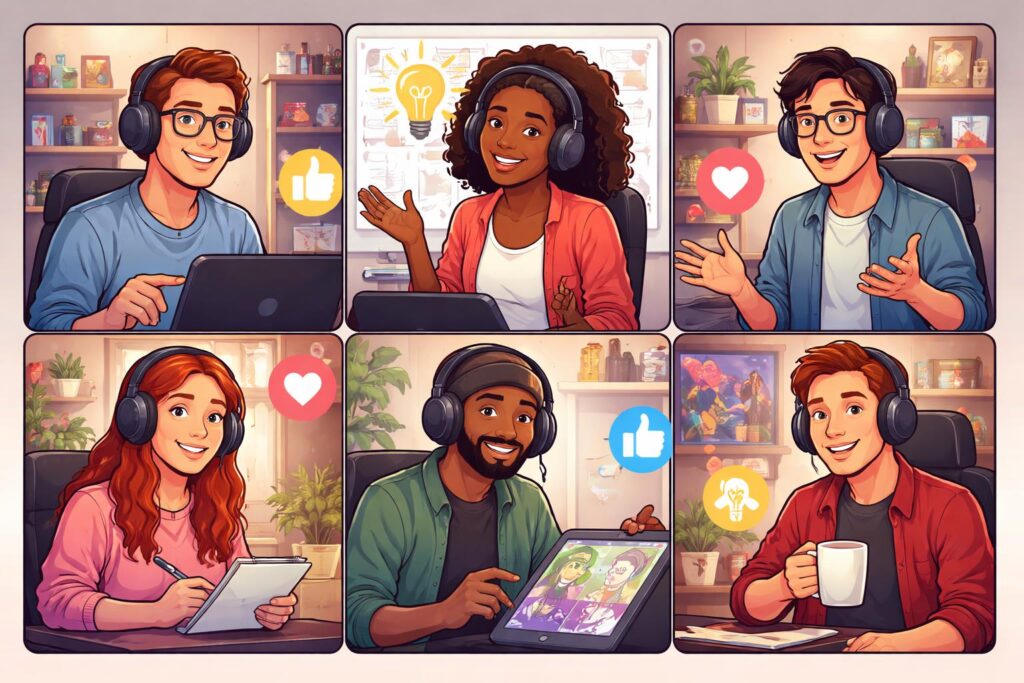
Game development teams face unique challenges in virtual meetings. Here’s how to handle some common situations.
Giving and Getting Creative Feedback
Design and art reviews need special care to stay constructive. The goal is to make the game better, not to make anyone feel bad about their work.
When giving feedback, start with what’s working. This isn’t empty praise—it helps the person understand what to preserve as they make changes. Be specific with criticism. “The jump feels slow at the top” is actionable. “Jumping is weird” tells the person nothing useful. Suggest potential fixes, not just problems. Think about whether your feedback serves the game’s vision or is just personal taste.
Use annotation tools to mark specific spots on screen. Pointing and saying “that thing there” doesn’t work well virtually. Drawing directly on the shared screen makes your feedback much clearer.
When receiving feedback, don’t get defensive. Everyone wants the game to be better. That’s why they’re giving feedback. Ask questions if something is unclear—”Can you explain more about what feels slow?” helps you understand the issue. Take notes because you’ll forget the details later. Say thank you. Make a plan for what you’ll change and share it so people know you heard them.
Working Across Time Zones
International teams are common in game development, which makes scheduling tricky. When you’re working with people in different time zones, the few hours when everyone’s available become extremely valuable.
Use tools like World Time Buddy to find when everyone’s awake and working. Rotate meeting times if someone always has to join at 6am or 10pm—share the burden fairly. Record all important virtual meetings so people in bad time zones can watch later. Establish “core hours” when everyone overlaps and protect that time for critical discussions. Compensate people fairly if they regularly work odd hours to accommodate the team.
Remote Playtesting
Getting feedback on your game remotely requires more structure than in-person testing. Make builds easy to download or access through cloud streaming. Set up screen recording so you can capture the session. Create structured feedback forms—open-ended “what did you think?” questions often get vague answers, while specific questions like “Was the tutorial clear?” generate useful data.
Have clear NDAs and confidentiality agreements before sharing unreleased builds. During the test, mute yourself and let players play without commentary. You want to see how they naturally approach the game, not guide them through it. Watch where they get stuck or seem confused. Look at their facial expressions and reactions—these non-verbal cues often reveal more than what they say. After they finish, ask follow-up questions about specific moments you noticed.
The Meeting Types That Make or Break Game Development
Different meeting formats require adapted approaches:
Game Development Meeting Framework
| Meeting Type | Core Purpose | Key Structure / Content | Essential Best Practices |
| Daily Standup | Alignment & unblocking (15 mins) | • Past work • Current plan • Blockers | Same time daily; keep it brief; “park” deep dives for later; rotate facilitators. |
| Design Review | Quality control & creative direction | • Concept vs. Execution • Goal-based critique • Decision-making | Show work early; separate “liking” from “utility”; identify the final decision-maker. |
| Playtesting | Direct UX & gameplay feedback | • Observed play sessions • Recording/Logging • Post-play Q&A | Stay muted while they play; watch facial expressions; use NDAs; record everything. |
| Retrospective | Process improvement & learning | • Wins • Friction points • Action items | Ensure psychological safety; focus on systems, not people; assign owners to action items. |
| Kickoff | Vision setting & foundations | • Creative direction • Roles/Responsibilities • Risk assessment | Define success metrics early; establish communication norms; reiterate the core vision. |
Pro-Tips for Virtual Teams
- Creative Feedback: Always lead with what’s working. Specificity is king—if a mechanic “feels weird,” try to identify if it’s the timing, the animation, or the input lag.
- The “Ugly” Rule: In design reviews, encourage “ugly” early work. It’s much easier to pivot a gray-box level than a fully textured environment.
- Async Options: If your team is spread across time zones, move the Daily Standup to a dedicated Slack or Discord channel to avoid “meeting fatigue.”
Problem-Solving Virtual Meeting Issues
Real issues that plague game dev virtual meetings and how to solve them:
Zoom Fatigue
Research shows virtual meetings make people tired, especially when you have too many of them back-to-back. The constant focus on screens, the effort of reading limited body language, and the lack of natural breaks all contribute to exhaustion.
Keep virtual meetings to 45 minutes maximum. Our brains need breaks, and meetings that drag past an hour rarely accomplish much anyway. Leave 15-minute buffers between meetings. Use those buffers to actually step away from your screen—get water, stretch, look out a window. Use asynchronous communication when you don’t actually need real-time discussion. A recorded video update or a well-written document often works better than a meeting.
Implement “no meeting” days where people can focus without interruptions. Let people turn cameras off during listening-heavy meetings where they don’t need to actively participate. Actually take breaks between calls instead of scrolling through your phone—that’s not rest.
Staying Connected as a Team
Research shows that 38% of remote game developers feel isolated. Virtual meetings need to build relationships, not just get work done. Without casual hallway conversations and spontaneous interactions, you have to be more intentional about team bonding.
Schedule casual hangout time that’s separate from work meetings. These don’t need an agenda—just time to chat about games you’re playing, shows you’re watching, or whatever else is going on. Create chat channels for random conversations and off-topic discussions. If possible, meet in person a few times a year. Even one or two in-person gatherings can dramatically strengthen remote relationships.
Do virtual show-and-tell sessions where people share personal projects. This helps you see each other as whole people, not just job titles. Celebrate team wins loudly and publicly. When someone does great work or ships a feature, make sure everyone knows about it. Start meetings with a few minutes of informal chat before diving into business. These small moments of connection add up.
Preventing Technical Problems
Nothing kills a meeting like “Can you hear me?” repeated ten times while everyone sits in awkward silence. The solution is simple: test everything before each meeting.
Have a backup communication channel like Slack or Discord. If Zoom dies mid-meeting, you need a way to tell people what’s happening. In large meetings, assign someone to help with technical issues so the host can focus on running the virtual meeting. Test screen sharing before you need to present—don’t discover during the meeting that your platform compresses video too much to show what you need.
If you consistently have connection problems, upgrade your internet. Your internet connection is a work tool now, just like your computer. Invest accordingly.
Platform-Specific Best Practices
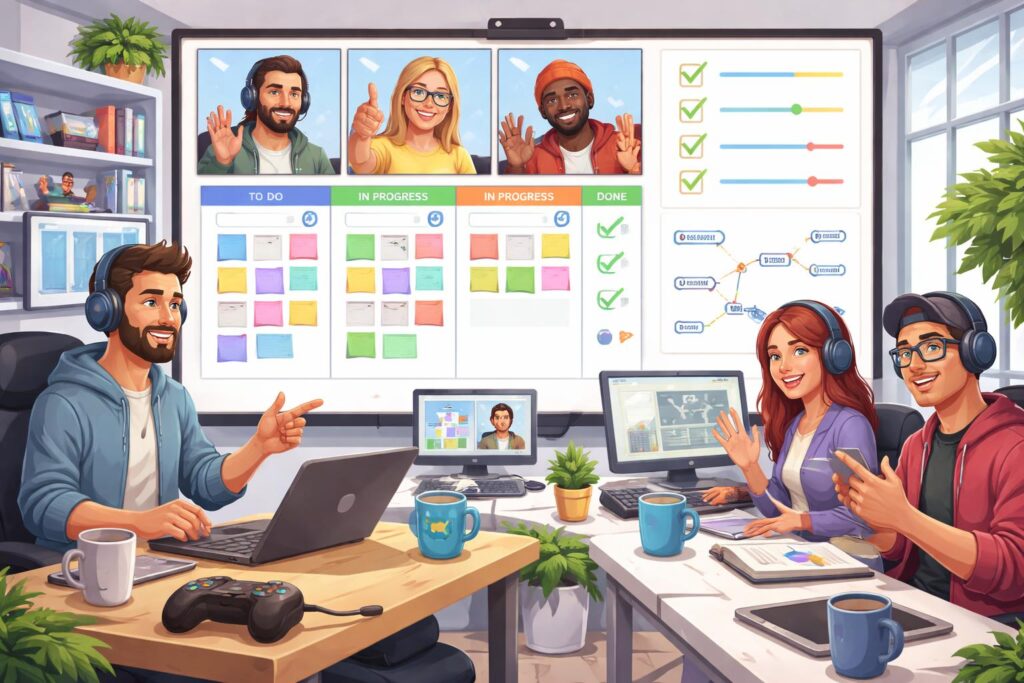
Different tools have different strengths:
Since we’re layering in the tools of the trade, it makes sense to look at how these platforms align with the specific needs of a dev team—whether you’re in the “creative chaos” phase or “enterprise polish” mode.
Game Dev Communication Tools
| Tool | Best For | Standout Features | Pro Tip for Devs |
| Discord | The “Virtual Office” | Persistent voice channels, high-quality audio screen sharing. | Best for “always-on” collaboration; use dedicated channels for builds and bug reports. |
| Zoom | Formal Reviews | Breakout rooms, polling, and advanced recording. | Ideal for Design Reviews; use the “waiting room” to manage external stakeholders or playtesters. |
| Slack Huddles | Spontaneous Syncs | One-click audio/video, rapid screen sharing. | The ultimate “unblocker”; use for quick 5-minute technical hurdles to avoid meeting bloat. |
| Google Meet | External / Startups | Browser-based (no app needed), deep Calendar integration. | Perfect for Playtesting with outsiders since it has the lowest barrier to entry for non-team members. |
| MS Teams | Large Studios | Office 365 ecosystem, Planner integration, high security. | Best for Kickoffs and Retros where documentation, task tracking, and security are the priority. |
Which tool should you use when?
- For “Over-the-shoulder” coding or art tweaks: Discord or Slack Huddles. They feel the most like turning around in your chair to talk to a teammate.
- For High-Stakes Presentations: Zoom. The stability and recording management make it the safest bet for showing off a milestone to investors or publishers.
- For “Deep Work” Environments: Teams. The way it silos conversations into threads and integrates with tasks helps keep the project organized during the heavy production grind.
Virtual meeting etiquette is not about smothering with rules. It’s how you build an atmosphere to make great games together as a team. The details will be different depending on the size of your team, your studio culture and what you are working on, but the principles remain the same.
Be respectful of people’s time with preparation and focus. Establish an environment where individuals feel safe being vocal and offering their thoughts. Be direct, but tweak your style for the limitations of virtual. Stay invested and demonstrate to your teammates that you care about their work. Say you’re going to do it, and then act to make things happen. Establish real relationships with your team, not just exchangeal ones.
Whether you’re an indie developer collaborating with contractors across the globe or an AAA programmer in daily standups, these principles will make your meetings better. Learn them, tailor them to your particular circumstances, and enjoy better collaboration.
The thing is, good virtual meeting etiquette should fade into the background when done properly. People notice not so much the mechanics of how the meeting takes place, but that they are easily able to get their work done and make decisions, and that even though the team is distributed across several locations, it still feels cohesive.
The games your team creates will be better for it. And that’s the whole point.