Most of us have been there. Google Play is packed with incredible content, but the costs quietly add up. A dollar here, five dollars there, a subscription you almost forgot about — and suddenly your wallet feels a little lighter than you’d like. If you’re the type who loves gacha games or spends hours in free-to-play titles that constantly tempt you with in-app purchases, you already know how fast those small costs add up.
Here’s the thing though: millions of people are loading up their Google Play balance every single month without spending a cent of their own money. They’re not doing anything shady or complicated. They’re just using a handful of smart, legitimate platforms that reward everyday activities — things like answering a quick survey, searching the web, or playing a mobile game — with real Google Play credit.

It sounds almost too simple, and that’s exactly why so many people overlook it. But the opportunity is real, and it’s available to anyone with an Android device and a few spare minutes a day.
Whether you’re a student on a tight budget, a parent trying to manage app spending for the family, or just someone who sees no reason to pay full price when you don’t have to — this guide is for you. Below are eight proven methods that real people use to earn free Google Play credit consistently, explained clearly so you can start today.
1. Google Opinion Rewards — The Easiest and Most Reliable Method
Google Opinion Rewards is an official app made by Google itself. It sends you short surveys (usually 1–3 questions) about your recent shopping trips, travel, or opinions on ads. Each survey takes less than a minute and pays between $0.10 and $1.00 in Google Play credit.
How to get started:
- Download the free app from the Google Play Store
- Answer a short setup survey to help Google understand your profile
- Wait for surveys to arrive (usually a few per week)
- Credits are added to your Google Play balance instantly
Pro Tip
Turn on location history in your Google account. Most surveys are triggered by places you’ve recently visited (like stores or restaurants), so more location data means more surveys.
2. Google Play Points — Earn While You Already Spend
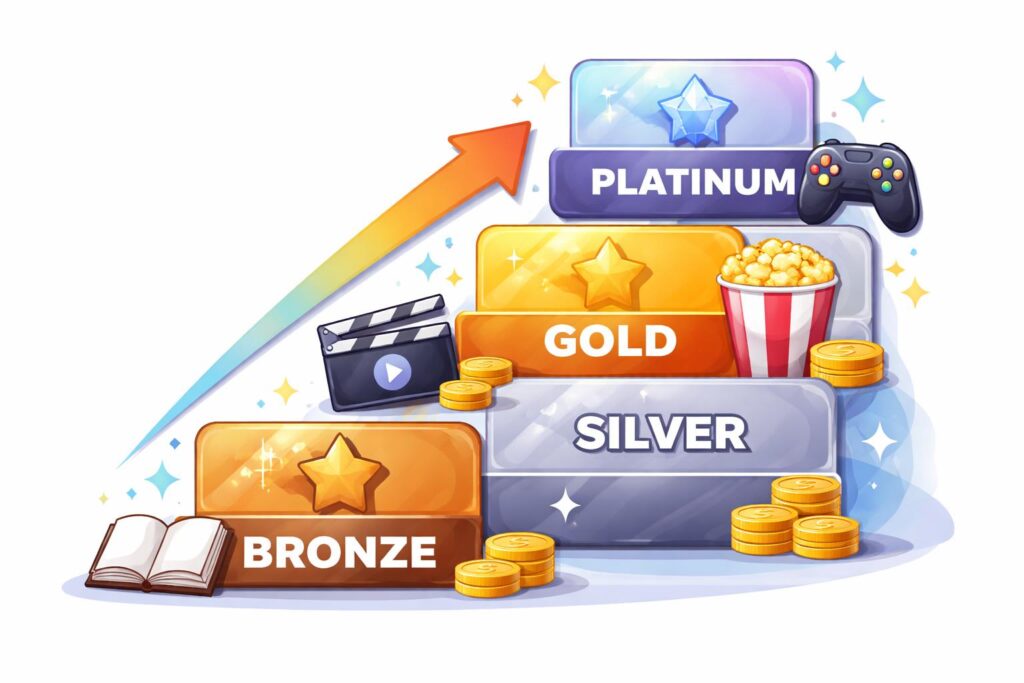
Google Play Points is Google’s built-in loyalty program. Every time you buy apps, games, movies, books, or in-app items, you earn points. You can then redeem those points for Google Play credit.
How it works:
- Sign up for free inside the Google Play Store (tap the menu icon and select “Play Points”)
- Earn 1 point for every $1 spent on most purchases
- Some free app downloads and in-app events also give bonus points
- Redeem points as credit toward future purchases
There are four tiers — Bronze, Silver, Gold, and Platinum — and higher tiers give you better redemption rates and bonus point offers.
3. Microsoft Rewards — Earn by Searching the Web
Microsoft Rewards lets you earn points just by using Bing as your search engine. While the rewards are in Microsoft gift cards by default, you can choose Google Play gift cards as your redemption option.
How to earn:
- Create a free Microsoft account at rewards.microsoft.com
- Use Bing to search the web (on PC or mobile)
- Complete daily challenges and quizzes in the rewards dashboard
- Redeem your points for a Google Play gift card
It typically takes a few weeks of daily use to earn enough for a $5 gift card, but it costs you nothing and requires almost no extra effort.
4. Swagbucks — Earn Through Everyday Online Activities
Swagbucks is one of the most popular and well-established rewards platforms. You earn “SB” points by doing things you already do online — searching the web, watching videos, taking surveys, shopping online, and trying new apps.
How to redeem for Google Play:
- Sign up for free at swagbucks.com
- Earn SB through searches, surveys, videos, and offers
- Redeem your SB for Google Play gift cards in the rewards store
- A $5 Google Play card costs 500 SB
Tip:
New members often get a signup bonus of 30–300 SB just for completing their first survey or making a small qualifying purchase.
5. InboxDollars — Get Paid to Read Emails and Watch Videos
InboxDollars pays you in real cash (not points) for reading emails, watching short videos, completing surveys, and trying offers. Once you’ve earned enough, you can cash out for a Google Play gift card.
What you can do to earn:
- Read promotional emails (each one pays a few cents)
- Watch video playlists (TV clips, movie trailers, news)
- Answer paid surveys
- Play games or try free trial offers
The minimum payout is $30, so it takes some time to build up — but the activities are simple and you can do them during free moments throughout your day.
6. Mistplay — Earn Credit Just by Playing Mobile Games
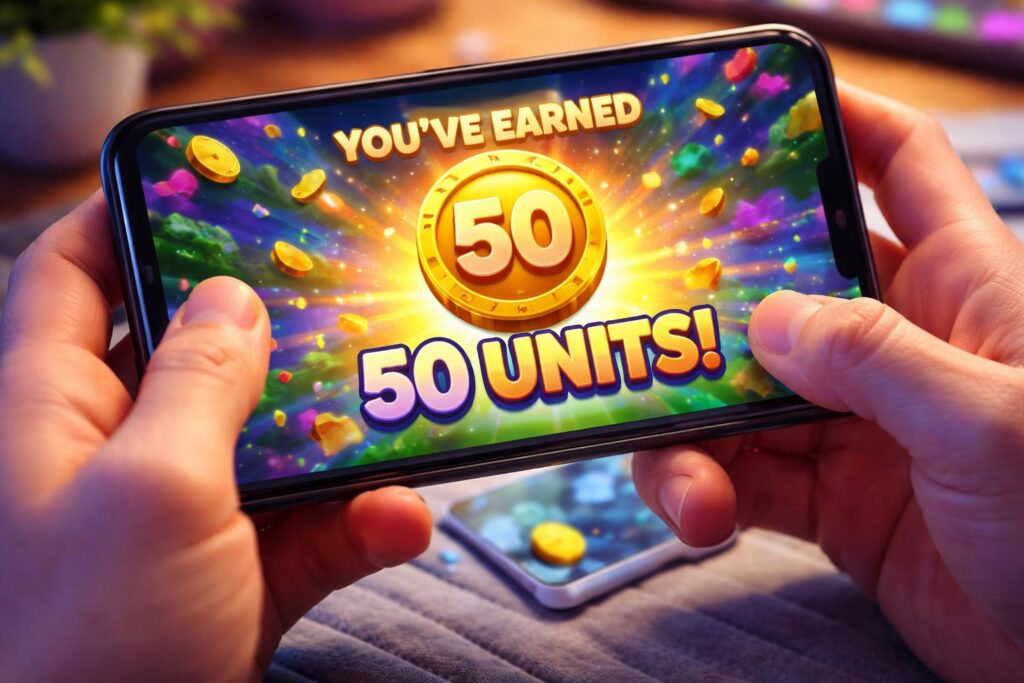
Mistplay is a free Android app that rewards you for discovering and playing new mobile games. The more you play, the more “units” you earn. Those units can be redeemed for Google Play gift cards.
How it works:
- Download the Mistplay app from the Google Play Store
- Browse the list of recommended games and install ones that interest you
- Play the games through the Mistplay app to track your progress
- Earn units based on how long you play and how far you progress
- Redeem units for gift cards (Google Play, Amazon, and more)
This is a great option if you already enjoy mobile gaming — you’re essentially getting paid to do something you’d do anyway. It works especially well with the best idle games, since those run in the background and rack up playtime with minimal effort.
7. Play Store “Offers” Tab
Google frequently gives away “free money” to encourage people to try new features.
Pro Tip: Check this tab at least once a month, especially around holidays or major app launches.
How it works: Open the Play Store, tap your profile icon, and go to Offers & notifications.
The Reward: You might find a $1 or $2 credit valid for any app, or a discount on a specific game.
8. Registering New Devices & Promos
Major brands like Samsung, Pixel, and even some mobile carriers often bundle “Play Store Credit” with the purchase of a new device.
The Reward: It’s common to find $5 to $25 in free credit waiting for you as a “welcome” gift.
How it works: When you set up a new Android phone or tablet, check the “Benefits” or “Samsung Members” app.
Pro Tip
If you buy a Google One storage subscription or a YouTube Premium plan, check your email for “Member Perks”—they occasionally send out free credit to subscribers.
Final Tips to Maximize Your Earnings
Use multiple methods at once. There’s no rule against using all eight simultaneously. Running Google Opinion Rewards in the background while earning Play Points on your regular purchases and using Microsoft Rewards for daily searches can add up surprisingly fast.
Be consistent. Most of these platforms reward daily engagement. Even spending 5 minutes a day checking for surveys or completing daily tasks will produce better results than doing a lot once in a while.
Watch for bonuses. Swagbucks, InboxDollars, and Microsoft Rewards all run limited-time bonus events where you can earn at double or triple the normal rate.
Never pay to earn. All eight methods listed here are 100% free. If any platform asks you to pay to unlock surveys or earn faster, it’s not legitimate.
Combine with free game codes. While you’re stacking up Play credit, don’t forget that many games also offer free rewards through official promo codes. For example, Cookie Run: Kingdom codes can give you free gems and items without spending anything. It’s another layer of savings on top of your earned credit.
Already on other platforms? If you game across devices, it’s worth checking out Xbox Game Pass for PC and console value, or using a Robux calculator if you or your kids are active on Roblox — knowing exactly what things cost helps you decide where free credit makes the biggest difference.
With a little consistency, it’s entirely possible to earn $10–$30 in free Google Play credit every month — without spending a single dollar. Start with Google Opinion Rewards (since it’s made by Google and completely trustworthy) and build from there.
⚠️ A Quick Warning on Scams
If a website asks for your Google password or claims to have a “hack” for unlimited credits, it is a scam. Legitimate credits will always come as a 16-digit code or be added directly to your account balance through official apps.