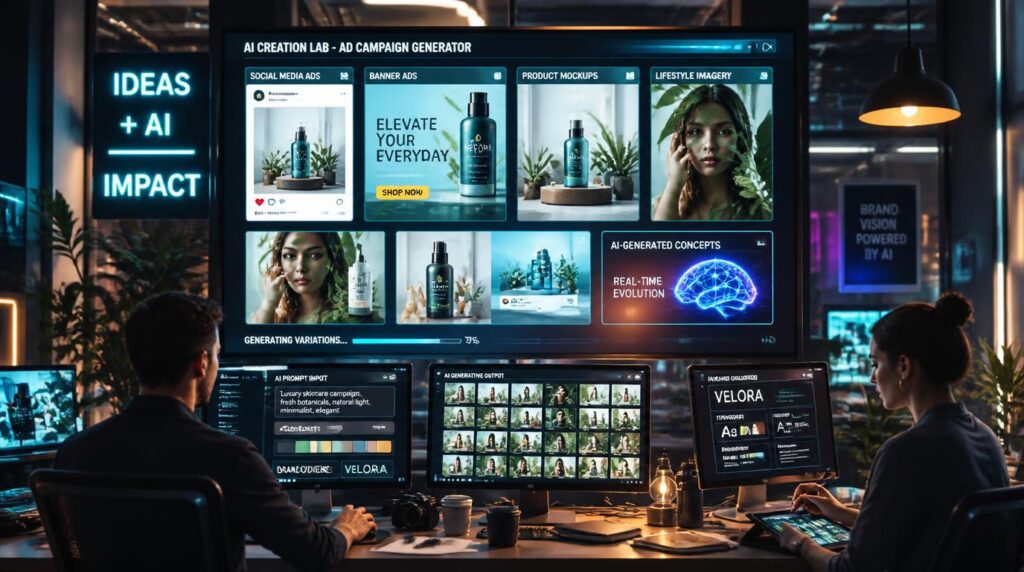
A modern advertising campaign rarely needs just one image. Marketers may need product photos, paid social ads, website banners, email graphics, vertical stories, and multiple creative variations for testing. Producing all these assets through traditional photoshoots can take considerable time and budget.
AI makes the process faster, but a polished image alone does not make an effective advertisement. The visual still needs to preserve the product, match the brand, fit the intended channel, and communicate a clear benefit.
In this guide, I will explain how to generate AI visuals for advertising campaigns and turn one campaign idea into a consistent set of usable assets.
What You Need Before Generating AI Advertising Visuals
A Clear Campaign Goal
Start by identifying what the campaign should achieve. Common goals include product awareness, website traffic, lead generation, app installs, sales, retargeting, and seasonal promotion.
Each visual should support one primary action. An awareness campaign can use a more emotional or surprising image, while a conversion-focused advertisement usually needs to show the product and its main benefit more directly.
A Core Advertising Message
Summarize the campaign in one sentence. This prevents the visual from becoming attractive but strategically empty.
For example: Premium wireless headphones that help commuters reduce distractions and enjoy clear sound wherever they go.
The sentence establishes the product, customer, context, and primary benefit. Every image in the campaign should reinforce at least one part of that message.
Product and Brand References
Collect all important references before opening an AI tool. These may include:
- Clear product photographs from several angles
- Packaging references
- Logo files
- Brand colors and fonts
- Approved campaign examples
- Existing product photography
- Preferred lighting and composition examples
- Images that show styles the brand wants to avoid
High-quality references are especially important for physical products. Without them, an AI model may change the logo, materials, proportions, buttons, colors, or smaller design details.
How to Generate AI Visuals for Advertising Campaigns
Step 1: Generate a Campaign Brief With Visual Assets Planning
A campaign brief should explain both the marketing strategy and the assets required to execute it. Include the campaign goal, audience, core message, product benefit, brand requirements, channels, formats, and number of variations.
Next, translate that information into visual decisions:
- Main subject
- Product position
- Setting
- Lighting
- Camera angle
- Composition
- Copy space
- Intended placement
For the headphones campaign, the direction might be:
A young professional wearing black wireless headphones on a morning train, with a calm expression, soft window light, modern blue and silver palette, realistic commercial photography, product clearly visible, negative space on the left for a headline, vertical composition.
The campaign brief explains what the advertisement must achieve. The visual plan defines what viewers will see.
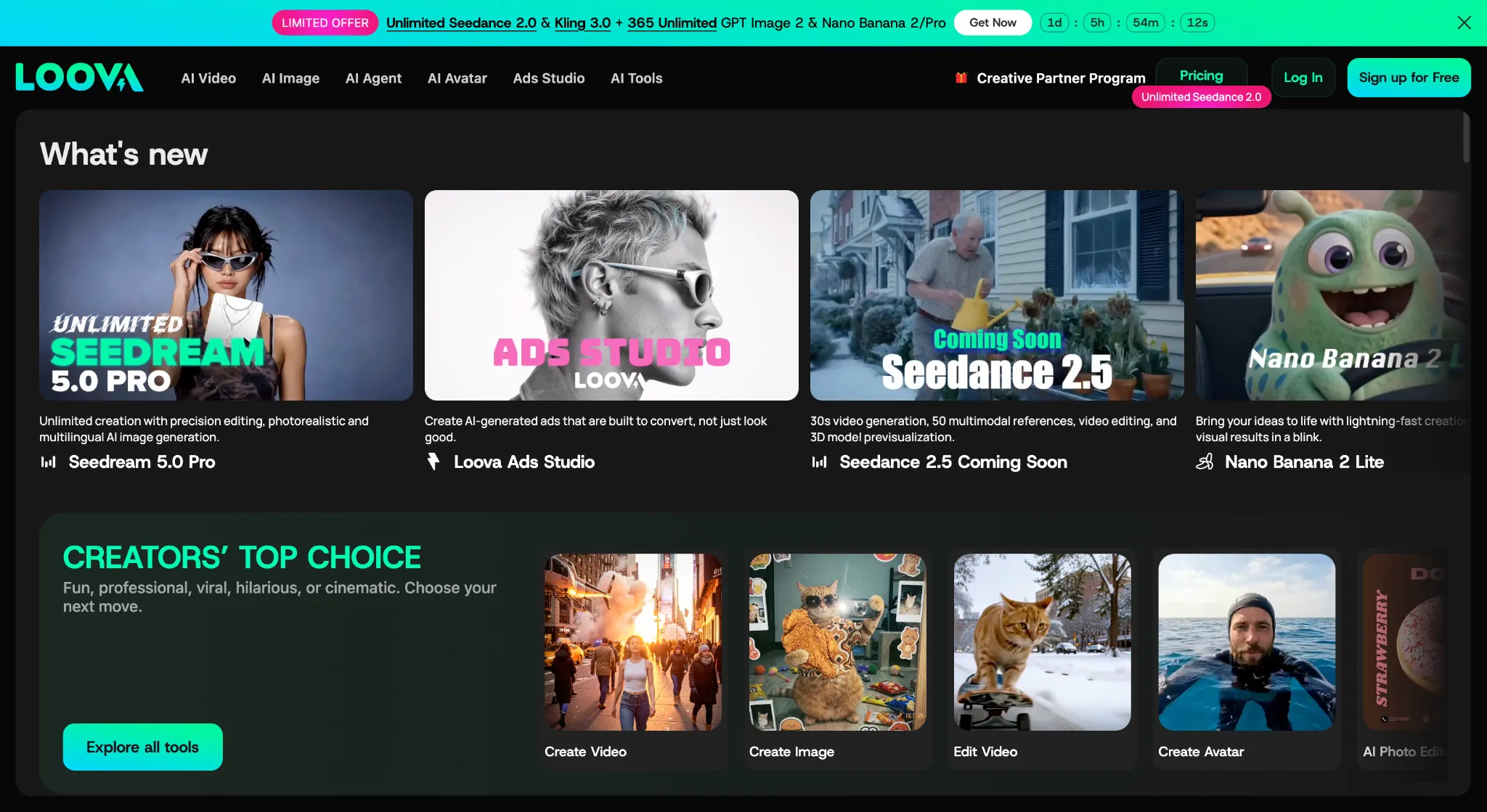
A platform such as Loova can be useful at this stage because marketers can explore different image styles, use product references, refine selected results, and create several campaign assets in one creative environment. This is particularly helpful when one brief needs both product-focused and lifestyle visuals.
Step 2: Write a Detailed Advertising Prompt
A good advertising prompt should describe more than the appearance of the image. It should connect the product, audience, setting, format, and campaign message.
You can use this structure:
Create a [type of advertising image] for [product] aimed at [target audience]. Show [subject and action] in [setting]. Use [lighting], [colors], and [visual style]. Keep [important product details] unchanged. Compose the image for [channel and aspect ratio], with [location] left clear for advertising copy. The visual should communicate [benefit or emotion].
For example:
Create a premium lifestyle advertisement for black wireless headphones aimed at young urban professionals. Show a commuter wearing the headphones beside a train window during the morning journey. Use soft natural light, realistic skin tones, subtle blue and silver colors, and polished commercial photography. Keep the headphone shape, logo, ear cushions, and matte black finish consistent with the reference image. Use a vertical composition with clear space above the subject for a short headline. The image should communicate focus, calm, and freedom from background noise.
This prompt works because it defines the asset, audience, environment, commercial style, protected product details, composition, and intended customer response.
Step 3: Generate Multiple Advertising Images
Do not spend all your generation credits producing minor variations of the same scene. Start by generating images that represent clearly different advertising ideas.
For the headphones campaign, you might create:
- A commuter using the headphones on a crowded train
- A remote worker concentrating in an open office
- A traveler relaxing in an airport lounge
- A close-up product image in a premium studio
- A runner wearing the headphones in an urban setting
Each image explores a different reason to buy the product. Once you know which concept is strongest, you can create more controlled variations within that direction.
Step 4: Select the Strongest Core Visual
The most artistic image is not always the best advertisement. Evaluate each result according to its ability to support the campaign.
Look for:
- Immediate visual impact
- Accurate product details
- Relevance to the audience
- Strong brand fit
- Clear composition
- Enough space for copy
- Mobile readability
- A recognizable customer benefit
- Potential to work in other formats
The winning image should be visually attractive, but it should also make the product and message easy to understand.
Step 5: Refine the Selected Image
The first generation will rarely be ready to publish. Instead of creating the entire scene again, use targeted editing to correct individual problems.
You might need to:
- Replace an inaccurate product
- Correct the product size or position
- Remove distracting background objects
- Change a clothing color
- Improve lighting around the product
- Extend the background
- Create more negative space
- Simplify a crowded composition
Working with an AI image generation platform that supports reference images and focused editing can make this stage more efficient. You can preserve the strongest parts of the selected visual while correcting the details that would otherwise prevent it from being used in a real campaign.
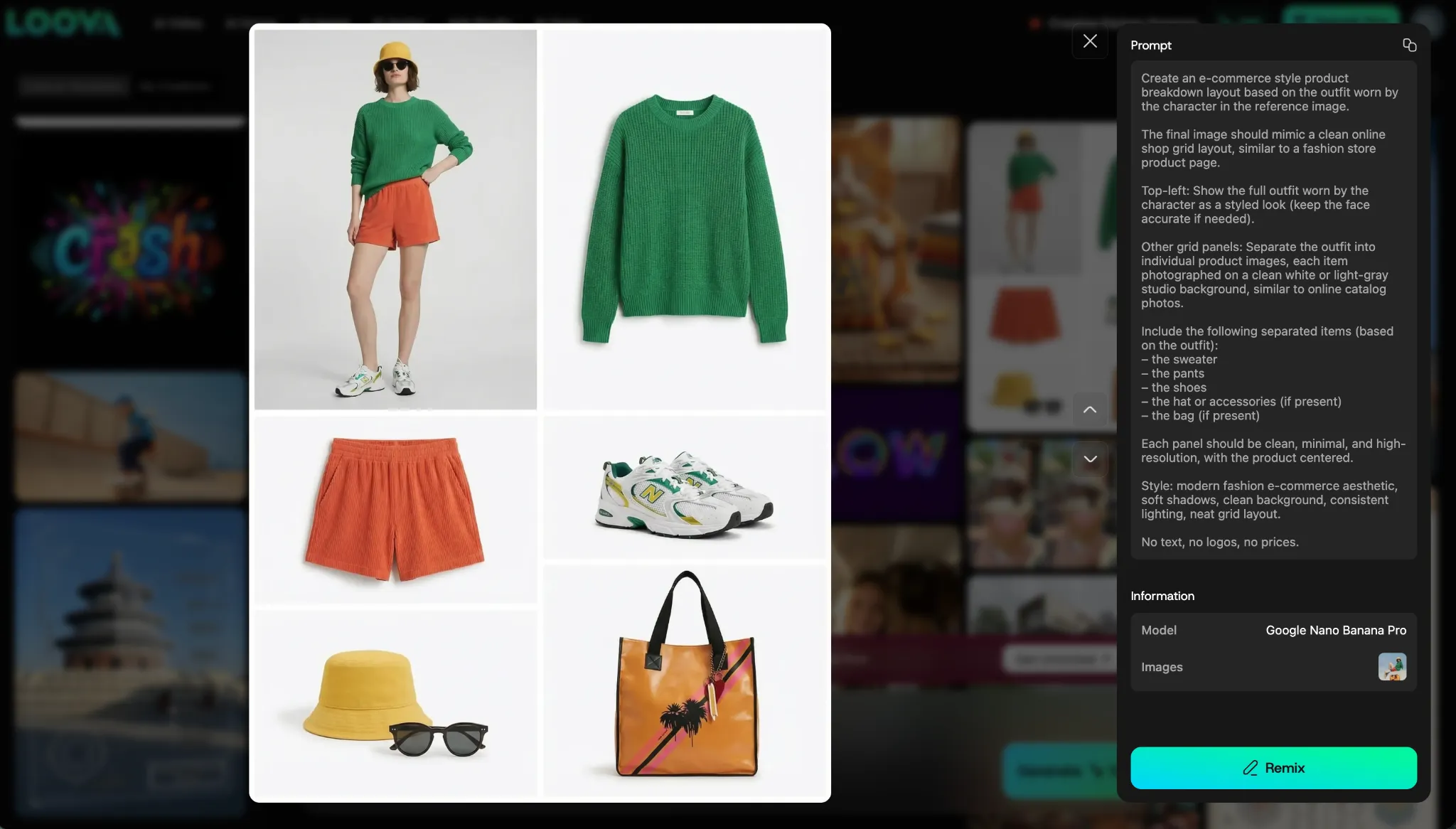
Step 6: Add the Final Advertising Copy
Important copy should remain editable whenever possible. AI-generated text can help you explore poster concepts, but prices, claims, offers, and CTAs must be accurate.
The final headphones ad might include:
- Headline: Own Your Commute
- Supporting copy: Clear sound. Fewer distractions.
- CTA: Shop Now
Add the logo, headline, price, offer, CTA, and legal information after the core image has been approved. Keeping these elements separate also makes localization and A/B testing easier.
Step 7: Create Controlled Testing Variations
Once the core direction is approved, create variations for testing. Change one major element at a time so you can understand what influenced performance.
Useful variables include:
- Lifestyle setting
- Background color
- Camera angle
- Product size
- Human subject versus product-only
- Facial expression
- Headline
- CTA
- Offer presentation
For example, you could compare a commuter scene with a product-only studio visual while keeping the audience, offer, copy, and placement consistent. You could then test a second variable, such as the headline, after identifying the stronger visual hook.
Changing the subject, background, offer, headline, colors, and CTA simultaneously may create very different ads, but it will not produce a reliable test.
How to Keep AI Advertising Visuals Consistent
Reuse the Same Product References
Use the same high-quality reference images throughout the campaign. If possible, provide several product angles so the AI can better understand its shape and construction.
Avoid switching between unrelated reference photos with different lighting, colors, or product versions. These differences can produce inconsistent results.
Create a Fixed Product Description
Write one accurate description of the product and reuse it in every prompt.
For example:
Matte black over-ear wireless headphones with oval ear cushions, a slim silver hinge, and a small white logo on the outer ear cup.
Repeating the same details reduces the chance that the product will change between images.
Maintain One Style Direction
Define a reusable sentence covering the campaign’s lighting, colors, camera style, and overall mood.
For example:
Realistic premium commercial photography, soft natural light, cool blue and silver tones, and a clean modern composition.
You can change the environment or format while keeping this central style consistent.
Edit Approved Images Instead of Starting Again
Once the team approves a core visual, use it as the basis for related assets. Extend the canvas, reposition the subject, replace selected background elements, or create new dimensions from the approved image.
Generating every asset independently increases the risk of inconsistent products, subjects, lighting, and visual styles.
Build a Campaign Reference Board
Keep approved visuals, product references, colors, lighting examples, composition guidelines, and successful prompt language together. You can also include rejected styles so that collaborators know what to avoid.
A reference board gives everyone a shared standard and makes future campaign extensions easier.
Tips for Creating Better AI Ad Creatives
Lead With One Clear Message
Each visual should communicate one main benefit or emotion. If the advertisement tries to explain every product feature, the central message will become difficult to recognize.
Show the Product in Context
A relevant customer situation is more persuasive than a generic lifestyle image. Show how the product fits into a real moment, such as commuting, working, exercising, traveling, or relaxing.
Leave Intentional Copy Space
Specify where the headline and CTA will appear before generating the image. Empty space should be planned as part of the composition, not created as an afterthought.
Save Successful Prompt Components
Build reusable prompt sections for product descriptions, brand style, lighting, camera angles, composition, copy space, and channel formats. These blocks can speed up future campaigns while improving consistency.
Final Thoughts
Learning how to generate AI visuals for advertising campaigns is not only about writing better prompts. The strongest results begin with a clear audience, message, asset plan, and testing strategy.
Start with a campaign brief, prepare accurate references, generate several distinct images, select one core direction, and refine it carefully. Then add verified copy, adapt the composition for each channel, create controlled testing variations, and review every asset before publishing.
The goal is not to produce the largest possible number of images. It is to create a consistent collection of campaign visuals that presents the product accurately, communicates a clear benefit, and can be tested across real advertising channels.
Frequently Asked Questions
How do I generate AI visuals for an advertising campaign?
Start with a campaign brief that defines the audience, message, product details, required formats, and visual direction. Generate several distinct concepts, refine the strongest image, add verified advertising copy, adapt it for each channel, and create controlled testing variations.
How should I write an AI prompt for advertising?
Include the product, target audience, setting, subject, lighting, colors, visual style, composition, aspect ratio, copy space, and intended message. If you use a product reference, clearly state which details must remain unchanged.
Can AI generate complete advertisements?
AI can create the central visual and help explore layouts or typography. However, marketers should manually review and preferably keep logos, prices, product claims, offers, CTAs, and legal text editable.
How can I keep a product consistent in AI-generated ads?
Use clear product references from several angles, repeat a fixed product description, and edit approved images instead of generating every asset independently. Always compare the output with the real product.
Can I create social media ads with AI?
Yes. AI can generate lifestyle scenes, product images, campaign concepts, backgrounds, and variations for channels such as Meta, Instagram, and TikTok. Each asset should be composed specifically for its intended placement.
How many AI ad images should I generate?
There is no fixed number. Begin with several clearly different campaign concepts, choose the strongest direction, and then create controlled variations that change one important element at a time.
Can AI-generated visuals be used commercially?
Commercial rights depend on the platform, model, subscription plan, and source assets. Review the current terms before using generated visuals in paid advertising, packaging, merchandise, or client campaigns.
Will AI replace advertising designers?
AI can accelerate concept creation, image production, editing, and format adaptation. Designers and marketers are still needed for strategy, brand judgment, product accuracy, layout, copy review, testing decisions, and final approval.